
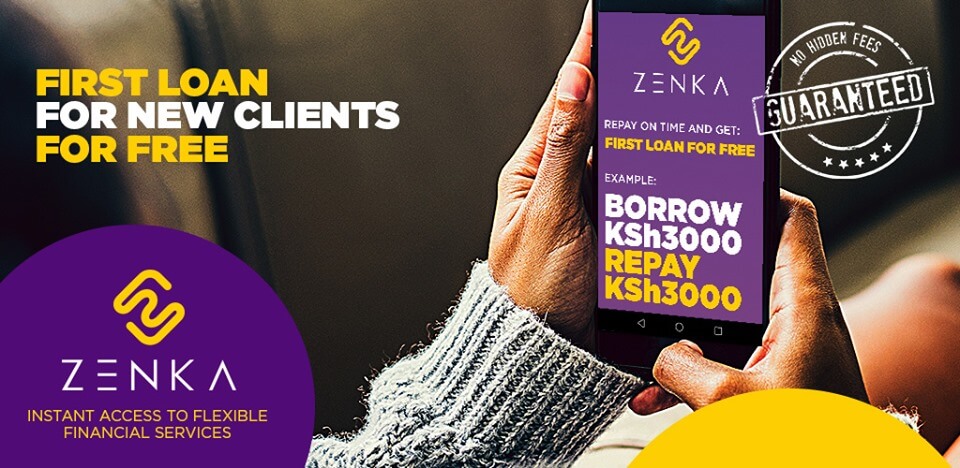
Zenka loan app is one of the loan disbursement mobile application in Kenya developed by Zenka. The app currently offers personal loans which range from Ksh 500 to Ksh 20,000 on android smartphone and Ksh 500 to Ksh 10,000 via USSD.
The best thing about the Zenka loan app is that the first loan is interest-free. That is to say; if you borrow Ksh 500 for the first time, you will repay the same amount.
Isn’t this cool? In addition to that, you get to access and borrow a Zenka loan without using a smartphone.
So, we at Urban Kenyans have carefully reviewed the app, and we can say with much confidence that it is the best loan app next to Tala loan.
This conclusion comes after we checked the reviews on the Google Play store and customer feedback on their Facebook page.
How do I apply for a Zenka loan?
Zenka finance, allows you to borrow money quickly and instantly through their mobile loan app.
The borrowed amount is then delivered straight to your Mpesa account within a short time.
Zenka loan app works both on smartphones and ordinary phones via USSD by accessing your phone data such as phone type, SMS, call logs, airtime credit, among other things as shown in the picture below.
They use this information to calculate your loan limit. So next time you’re out shopping for a new phone, choose wisely, you never know 🙂
Zenka Loan Registration
Registration with Zenka is quite easy as compared to other mobile loan apps, all they need from you is to fill their online application form with your basic biodata such as your first and last name, National ID.
Then, you have to answer a security question from the list of choices provided and lastly and more importantly, a 4-digit PIN. ( PIN YAKO SIRI YAKO 😉 )
To register with Zenka on an Android smartphone you have to go through the process of Zenka loan app download
- Open the Google play store for Zenka app download and install the Zenka loan app on your phone or click here to access Playstore directly where you can download Zenka loan app.
- Open the app and select your loan amount and duration.
- Click on the “Apply for loan” menu button.
- On the next screen, click on the “Sign up” button.
- Here, enter your name and National ID number.
- Choose a security question and enter your answer.
- Provide your 4-digit PIN and then, click on the link shown to read the Terms and Conditions for the loan.
- Click on the “Agree and sign up” button.
- If successful, you will receive an SMS with a 4-digit verification code.
- Enter the code and click “Done”.
- You’re now good to go and can proceed with the loan application.
To register for Zenka loan via USSD, dial the USSD Code *483101# and follow the system prompts.
How can I get Zenka loan through SMS?
To get a Zenka loan through SMS follow the following steps.
- Dial *483101#
- Enter your user PIN and select “Apply for a loan” option.
- A notification will be displayed showing your loan limit.
- Select “Apply for Full Limit” or enter your desired loan amount.
- Select the loan repayment period, and you’re done.
If the loan application is successful upon verification, the loan amount will be dispatched straight to your M-Pesa account.
How to Repay Zenka Loan Via USSD
Here is how to repay the Zenka loan app.
- Dial the 483101# on your phone
- Enter your secret 4-digit PIN.
- Select the “Repay” menu option; your current loan balance will be displayed.
- follow the system user prompts to complete payment
- You will then receive an SMS notification, and your loan will be closed.